
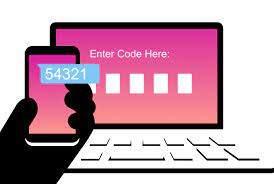
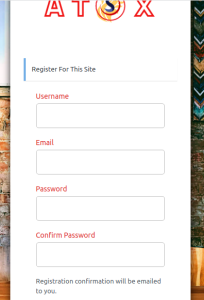
Complete the registration form as noted
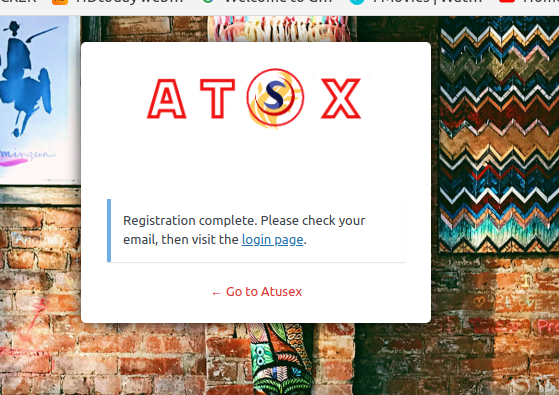
Click on 'Log in'
Log into account
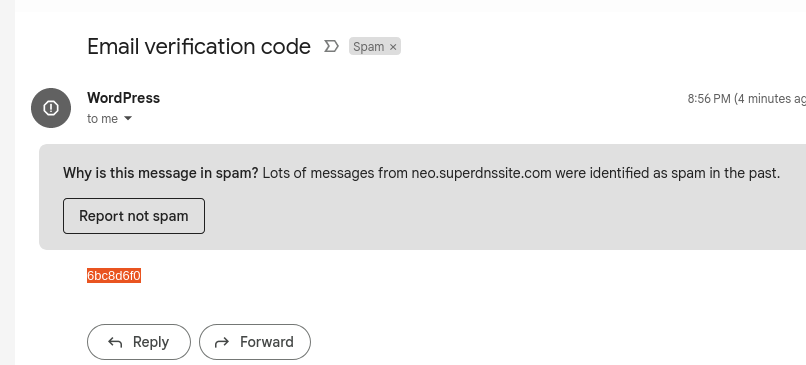
Go to register email registered
Check inbox or spam box
*you may log in after creation of account without the complete link verification
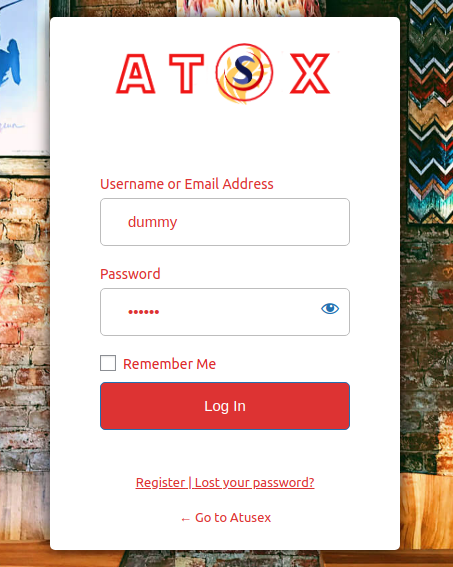
Enter credential and log in
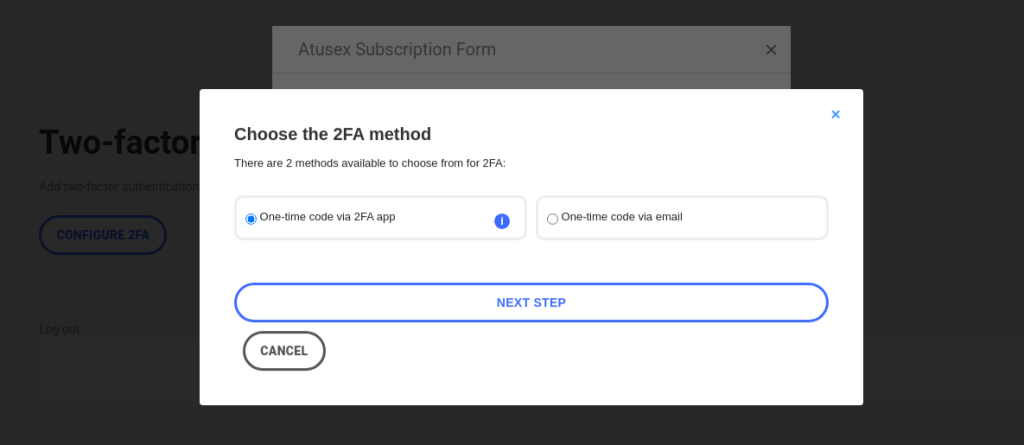
Choose option of your account verification for each time you log in
* Option 1 require a mobile device (Recommended)
*Option will be by email code
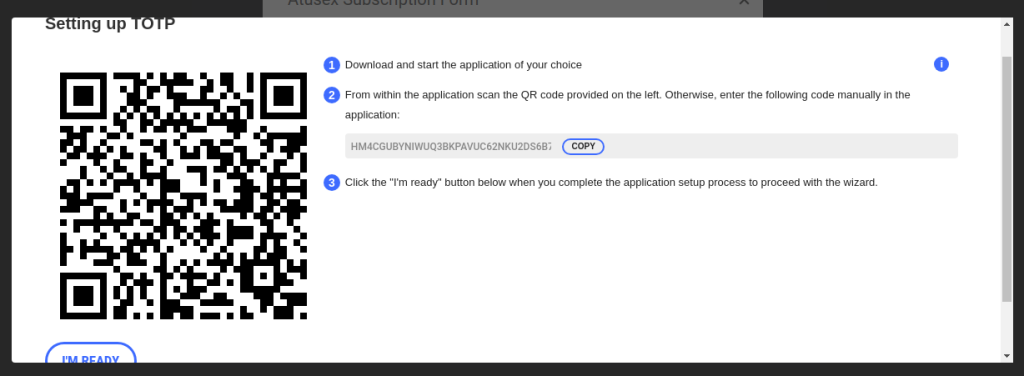
- You will need a Authenticator app - we recommend the following but you may use any
- ( Google store and Apple store)
1) Go to Google Playstore

--Apple store
https://apps.apple.com/us/app/google-authenticator/id388497605
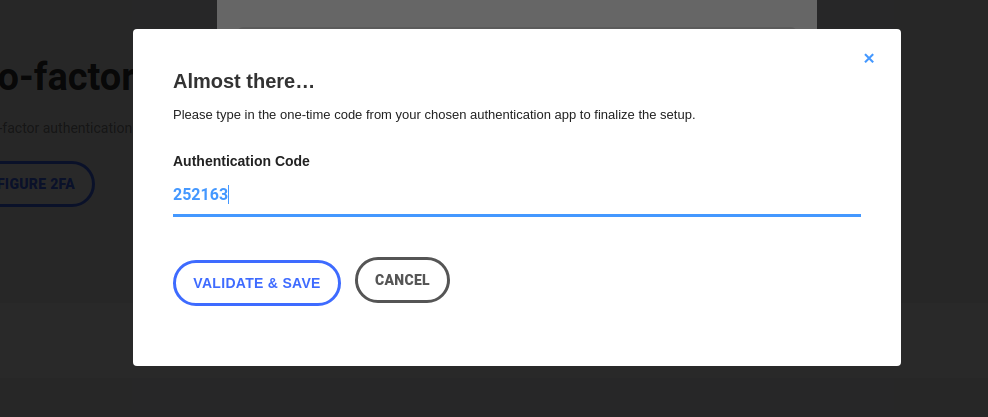
- On the App press (+)

- and Scan the Code to get the code to enter in this space
- Click on the 'Validate & Save'
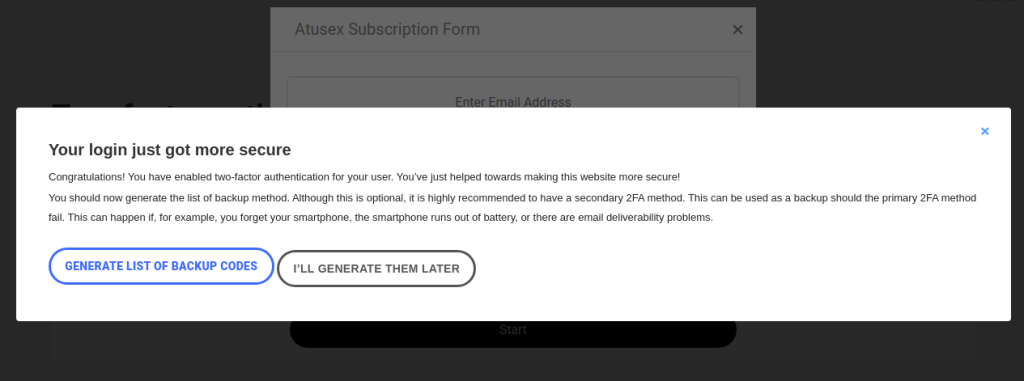
- Choose the second option (Recommended)
--- 'I'll Generate them later'
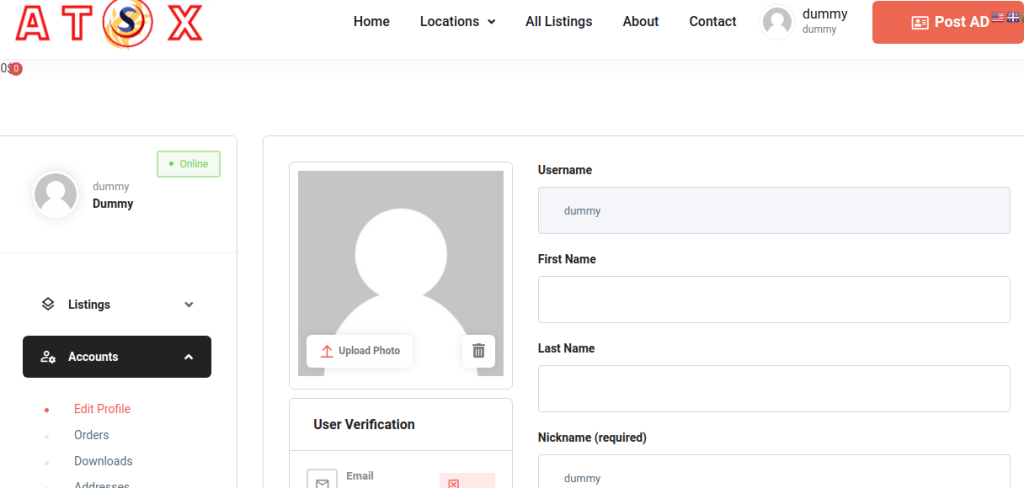
-Access will take you into your account Dashboard
- Click on Profile to complete the Email verification, if this was not done in the beginning
* email verification is required in order to post AD
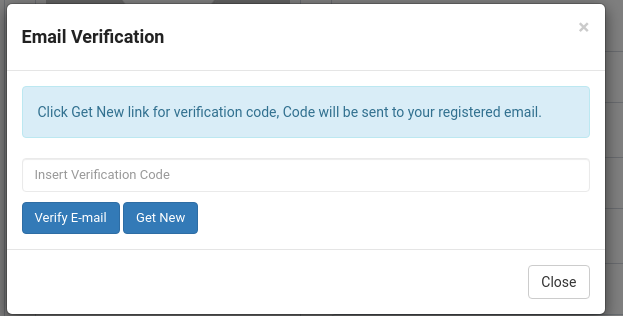
- Request new code click ' Get New'
- Go to your email box ( inbox or spam box)
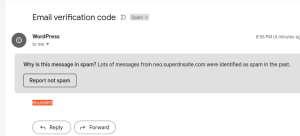
-Enter email code sent and click
'Verify Email'
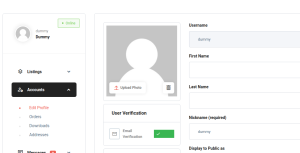
Complete and set and verification all completed